Rompolo vs Google Photos
A Google Photos shared album is a common free choice. Here is how it compares with an event album made for guests.
- App needed for guests
- NoNot needed to receive a share
- Live slideshow
- Every planNot stated on their site
Quick verdict
Choose Rompolo if…
Our pick- You want an event album with a live photo wall, text wishes and GIFs.
- You want optional approval before uploads appear, a password, or an upload-only mode.
- You want album storage separate from your personal Google Account, with a fixed album period you control.
Choose Google Photos if…
- You already use Google Photos and want to keep event photos with the rest of your library.
- You want to use storage you already have (15 GB free, shared across Google services).
- You want the choice of Original quality storage.
Rompolo vs Google Photos, feature by feature
Rompolo facts come from our own product. Google Photos facts come from their public pages; each one links to its source.
| Feature | RompoloOur pick | Google Photos |
|---|---|---|
| Free plan | RompoloOur pickFree album for 5 days with 0.1 GB. No credit card. | Google PhotosIncluded with a Google Account: up to 15 GB of storage shared across Gmail, Google Drive and Google Photos.Source |
| App needed for guests | RompoloNo. Guests scan the QR code or open the link in their browser. | Google PhotosYou can share with contacts even if they don't use the Google Photos app.Source |
| Account needed for guests | RompoloNo. You can ask guests to add their name. | Google PhotosNot stated clearly. With Collaborate on, anyone with the link can add photos; check Google's help pages for the details.Source |
| Video | RompoloYes. Videos keep their original quality. | Google PhotosPhotos and videos, up to 20,000 items per album.Source |
| Photo quality | RompoloPhotos optimized to about 2560 px by default; a setting keeps originals. Videos in original quality. | Google PhotosOriginal quality keeps the resolution; Storage saver resizes photos over 16 MP and videos above 1080p.Source |
| Download everything | RompoloSingle items or the whole album as a ZIP (photos and videos; text wishes and GIFs stay online). | Google PhotosNot stated on their site |
| Moderation | RompoloOptional approval before uploads appear; delete any upload; view-only or upload-only modes; optional password. | Google PhotosThe album owner can remove people and turn off collaboration or comments.Source |
| Printable QR code / cards | RompoloDownload the album QR code on every plan; printable sign templates on paid plans. | Google PhotosYou can generate a QR code for an album.Source |
| Where photos are stored, and for how long | RompoloStored by Rompolo for the plan period (6 or 12 months). You are warned 3 days before expiry and can extend the album. | Google PhotosSaved photos use Google Account storage; content may be deleted after 2+ years of inactivity or when you run out of storage.Source |
Try Rompolo free — set up in 2 minutes
Create your album, download the QR code and watch guest photos arrive live. No credit card needed.
Why couples choose Rompolo
No app, no account for guests
Guests scan the QR code or open the link and upload from their phone’s browser.
Live photo wall on every plan
New uploads appear on a screen in real time, with the album QR code on screen so more guests join in.
Album styles, free on every plan
Pick a theme and change colours, fonts, cover and effects like petals or confetti at no extra cost.
Start free, pay once per event
Try a free album for 5 days, then pay once from $19.99 USD per album. No credit card to start.
Three features your guests will talk about
We obsess over the moments that decide whether guests actually share: an upload that takes seconds, a photo wall that turns the reception into a game, and an album that looks like your event.
Upload in seconds
Guests scan, pick photos or videos and tap send. No app, no sign-up, right in the phone’s browser.
A photo wall that’s a game
New uploads hit the big screen with the guest’s name, and a top-contributors podium gets the whole room competing.
A design studio, built in
One tap restyles the whole album: colours, fonts, ornaments, even petals or confetti.
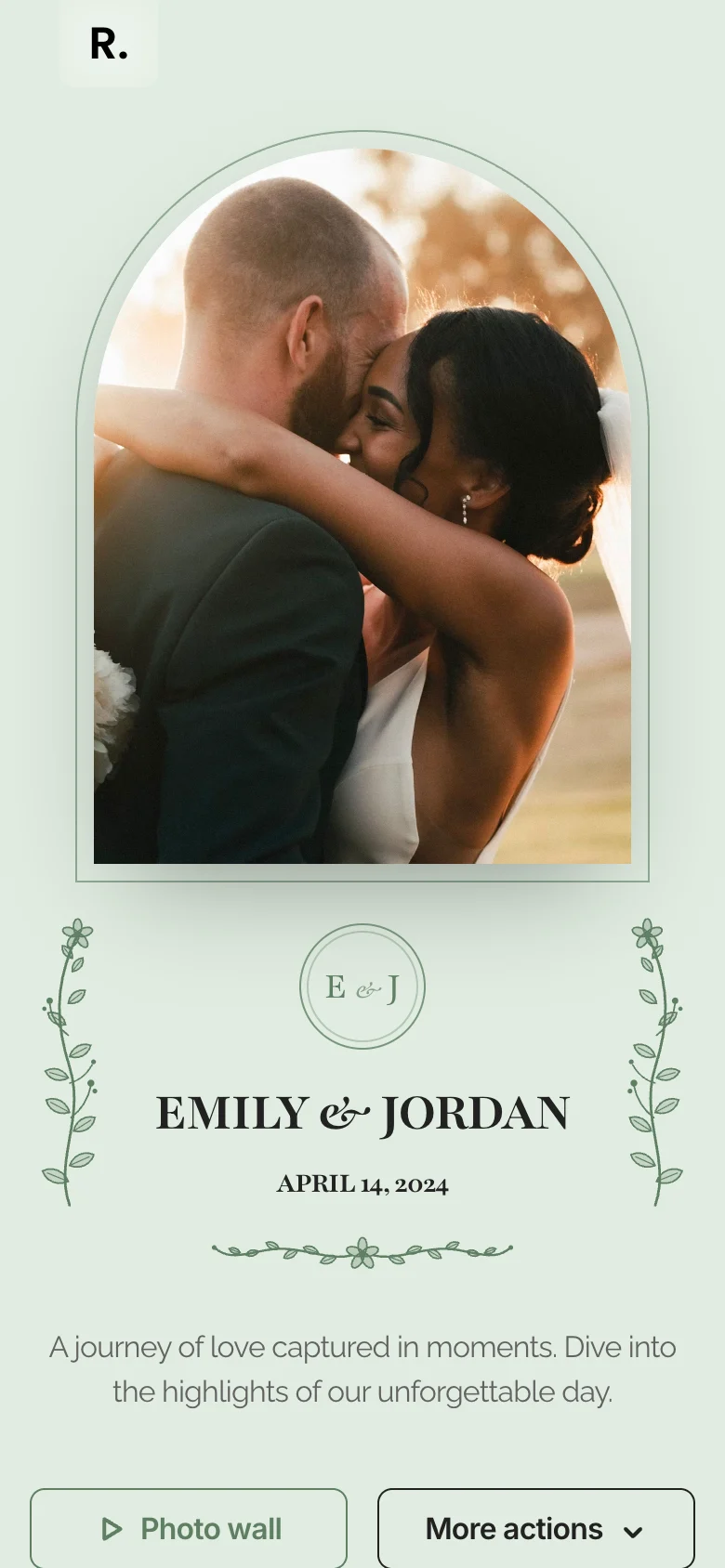
Where Rompolo is different
Priced by storage, not by guests
Albums come in 10, 30 or 50 GB with unlimited guest invites. Pay once for 6 months ($19.99 / $29.99 / $59.99 USD) or yearly for 12 months ($39.99 / $79.99 / $119.99 USD).
Live photo wall on every plan
Put the album on a screen: new uploads appear in real time with the album QR code, guest names and optional captions.
Photos, videos, GIFs and wishes
Guests can add text messages and GIFs next to their photos and videos, and you can switch each type on or off. There is no audio guest book.
The trade-offs, plainly
The free album lasts 5 days with 0.1 GB, enough to test. Photos are optimized to about 2560 px by default (a setting keeps originals); videos keep their original quality. Printable sign templates are on paid plans.
Rompolo vs Google Photos: common questions
Can’t find what you’re looking for? Feel free to contact us.
Try Rompolo free
Create a free album in 2 minutes, share the QR code and see how it works for your event. No credit card needed.
Information from Google Photos’s public pages, checked 29 September 2026. Prices and features may change. Google Photos is a trademark of its owner; Rompolo is not affiliated with Google Photos.