



Wedding
“Everyone thought it was great and I ended up with over 150 photos and videos. It's super easy to use”
u/MsPinkieBr/Weddingsunder10k

Corporate event photo sharing with a live photo wall
Collect every attendee's photos and videos from conferences, team buildings, product launches and offsites with one QR code or link. Show them on a live photo wall and keep them in one album for your team.
Collect every attendee's photos and videos from conferences, team buildings, product launches and offsites with one QR code or link. Show them on a live photo wall and keep them in one album for your team.
Rompolo explained in 1 minute 🔥
1
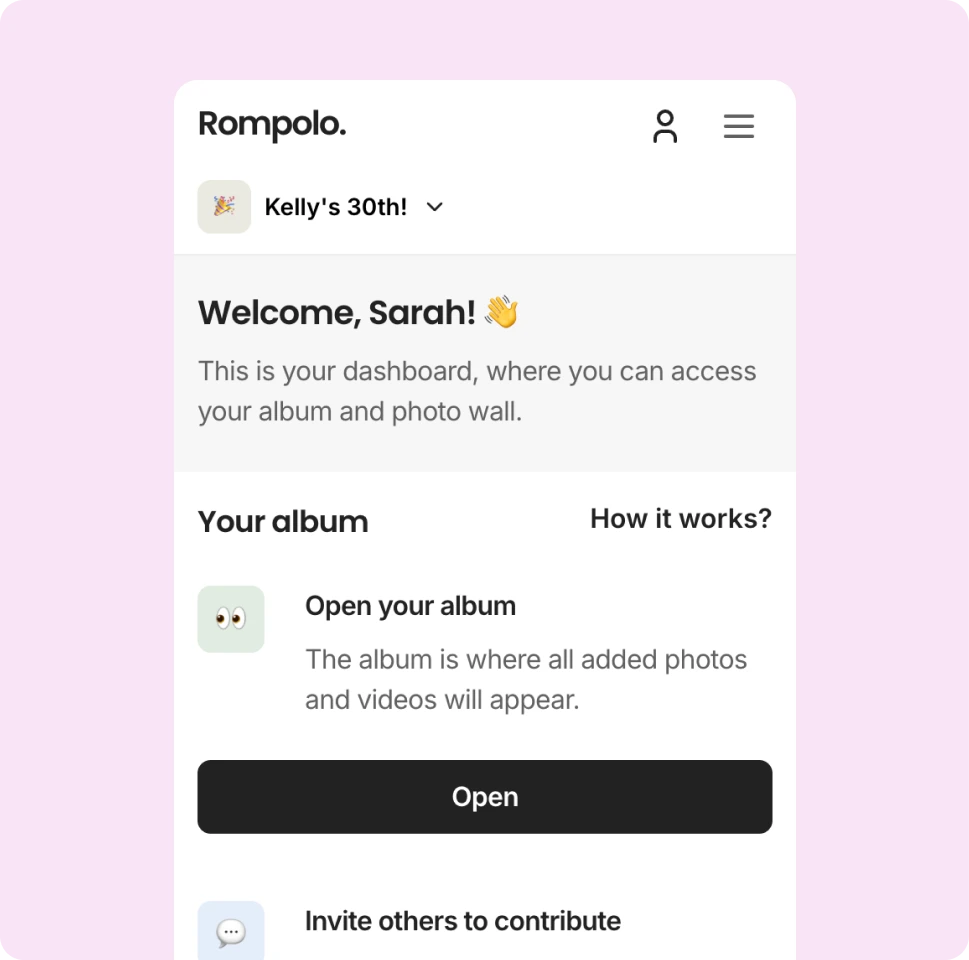
Create an album for the conference, launch or offsite, apply your brand colours and fonts, and add your logo to the photo wall. Themes, fonts and colours are free on every plan.
2
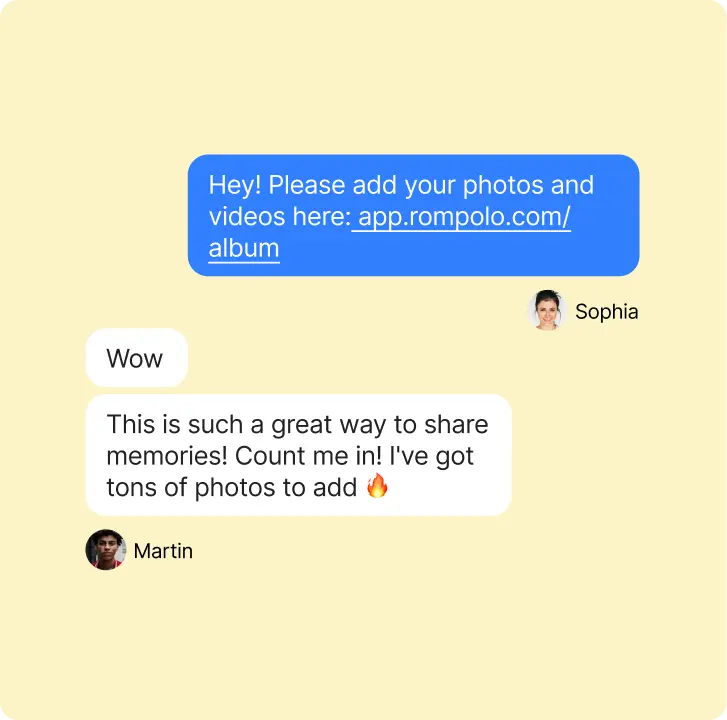
Add the QR code to name badges, stands, table talkers and the opening slide. Attendees scan it with their phone camera and upload without an app or an account.
3
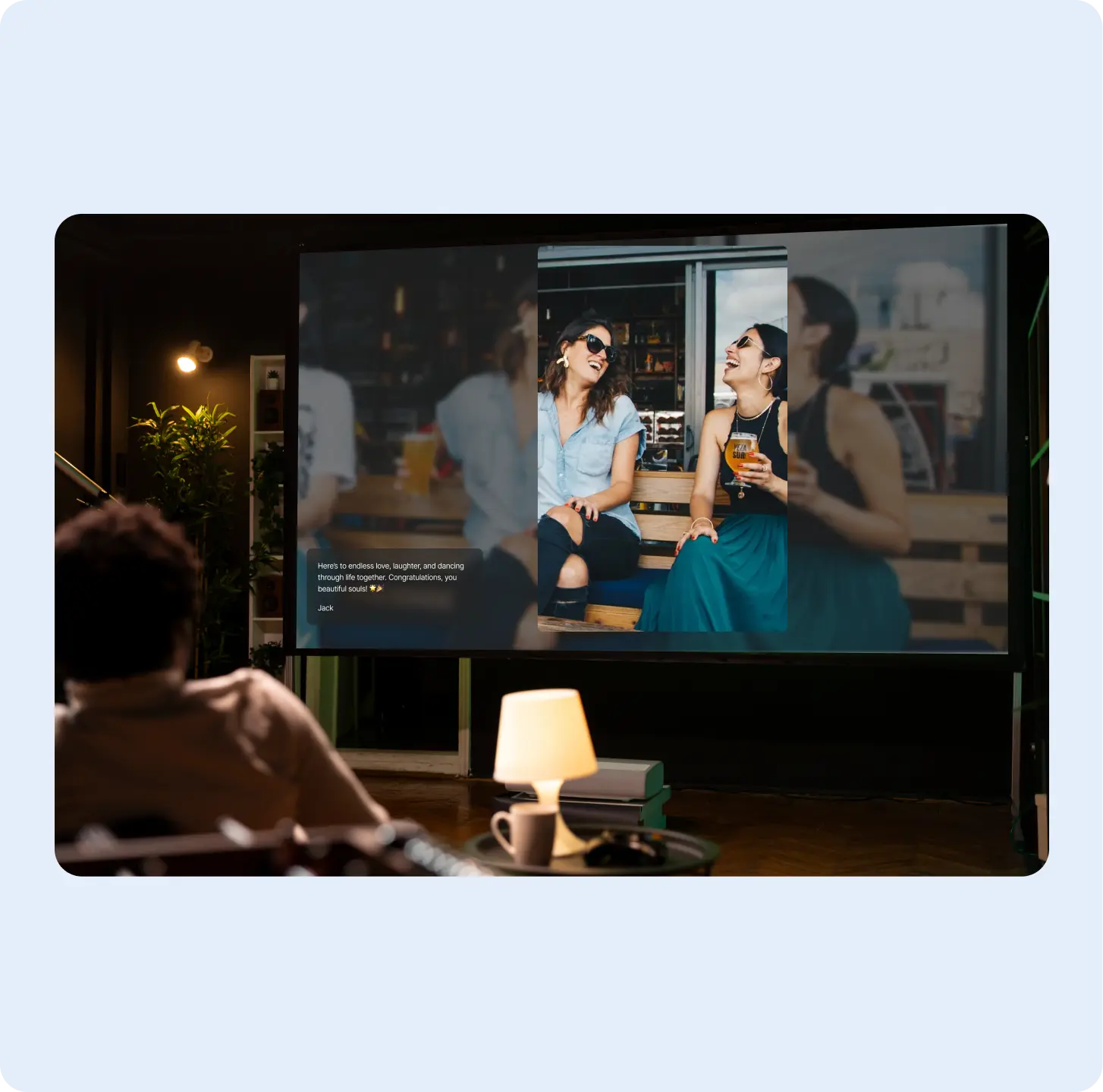
Show the photo wall on the main screen or a lobby TV. New uploads appear in real time with the attendee’s name, and approval makes sure only reviewed content reaches the screen.
4
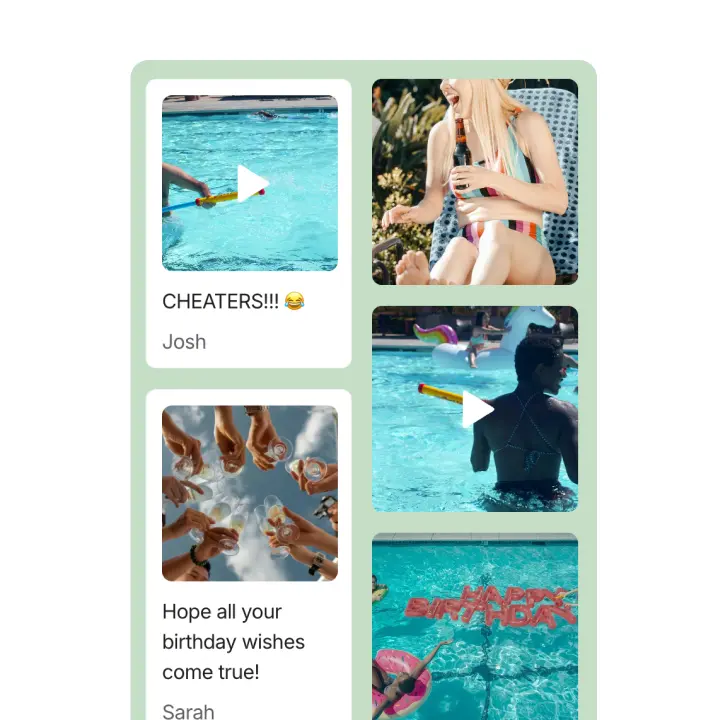
Download the full album as a ZIP for your event recap and internal channels, and share the album link with attendees so they can find the photos they’re in.
What uploading looks like for your guests
They tap Add to album, choose photos or videos from their phone and add a caption if they like.
“Everyone thought it was great and I ended up with over 150 photos and videos. It's super easy to use”
“Overall, it has a much more thoughtful UI/UX, a better and nicer looking album upload, a more modern tech stack, and an incredibly technical support from the owner that made our experience 10/10. I'm excited to see how Rompolo evolves in the future, and I hope more people know about this service!”
“I used Rompolo and it was very easy to use and the cost was very reasonable as well.”
“All of the features were great and super easy to use, plus it is a visually stunning platform”
“This worked great! I loved having all my guests's photos available to look through the next day. Thanks so much!”
“Love the privacy feature! As someone not into social media, it’s a game changer. I shared my birthday pics just with close friends and family—no stress about them popping up everywhere online. 🎉”
“I used this for my daughter's wedding last month, and it was incredibly easy to use! They provided a QR code, which I copied onto small cards and placed on all the tables. Guests had no trouble scanning the code and uploading their photos—it was a seamless process. […] I did encounter an issue downloading the full album, but when I reached out to Rompolo, they responded right away and were extremely helpful. They even followed up to make sure everything was resolved. I would highly recommend Rompolo!”
“First of all, I want to say how wonderful your site is - it was perfect for my daughter's baby shower. It was so user-friendly- I will be recommending it to anyone and all looking for something like this.”
“I was a bit unsure if a photo challenge would be a good fit for a kids' party... but Rompolo turned out to be a huge hit! We set up various challenges and tagged them in our album. The kids were thrilled to work in teams and get creative with their photos. ”
“Using your platform for slideshow at my clinic of clients pets, they love it”
“Oh my goodness, it looks fantastic! […] I'll definitely recommend Rompolo to future brides around me.”
“I used it and it worked great!”
“We received more photos than we expected and the older guests had an easy time uploading and accessing the photos”
“Was using this for my wedding, just send link or QR code to all guests and ask them to upload all photos from event. Me and my darling couldn't be happier.”
“I tested out Rompolo for my 20 year hs reunion […] it worked well.”
“We used Rompolo and were really please[d] with the ease and low cost.”
“It removes so many pains I was always facing when trying to gather all cool photos from my friends in one place. This product isn't just one more tool, it has a thought-out experience and visually looks amazing!”
Place the QR code on name badges, stands, slides or tables so every attendee can add their photos in seconds — no app, no account.
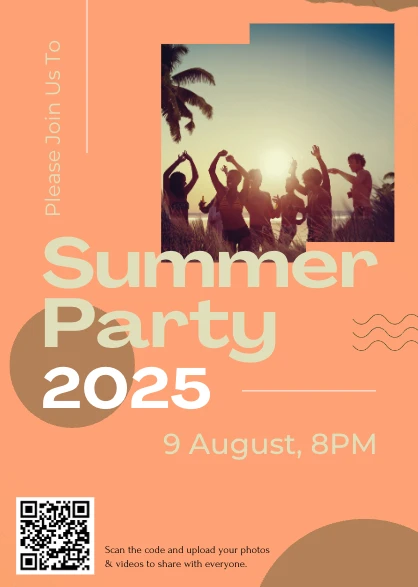
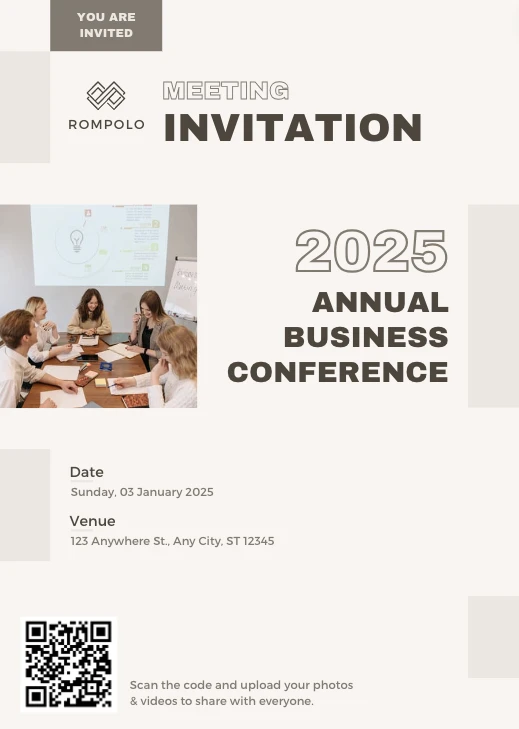
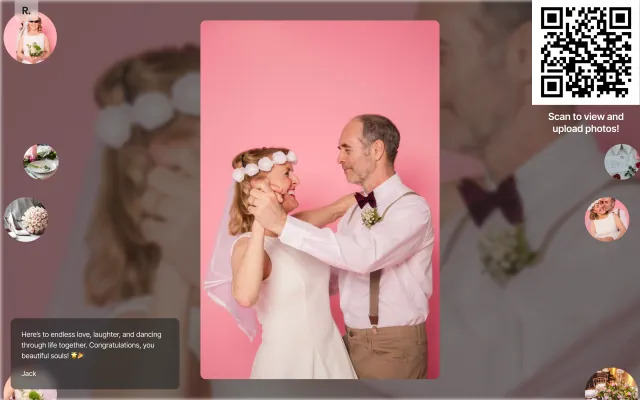
Put the live photo wall on the main-stage screen or a lobby TV. Every new upload appears in real time, turning attendees' photos into content everyone watches.
Pick a theme in one tap and watch your album change live: colours, fonts, ornaments and effects like petals or confetti. Free on every plan.
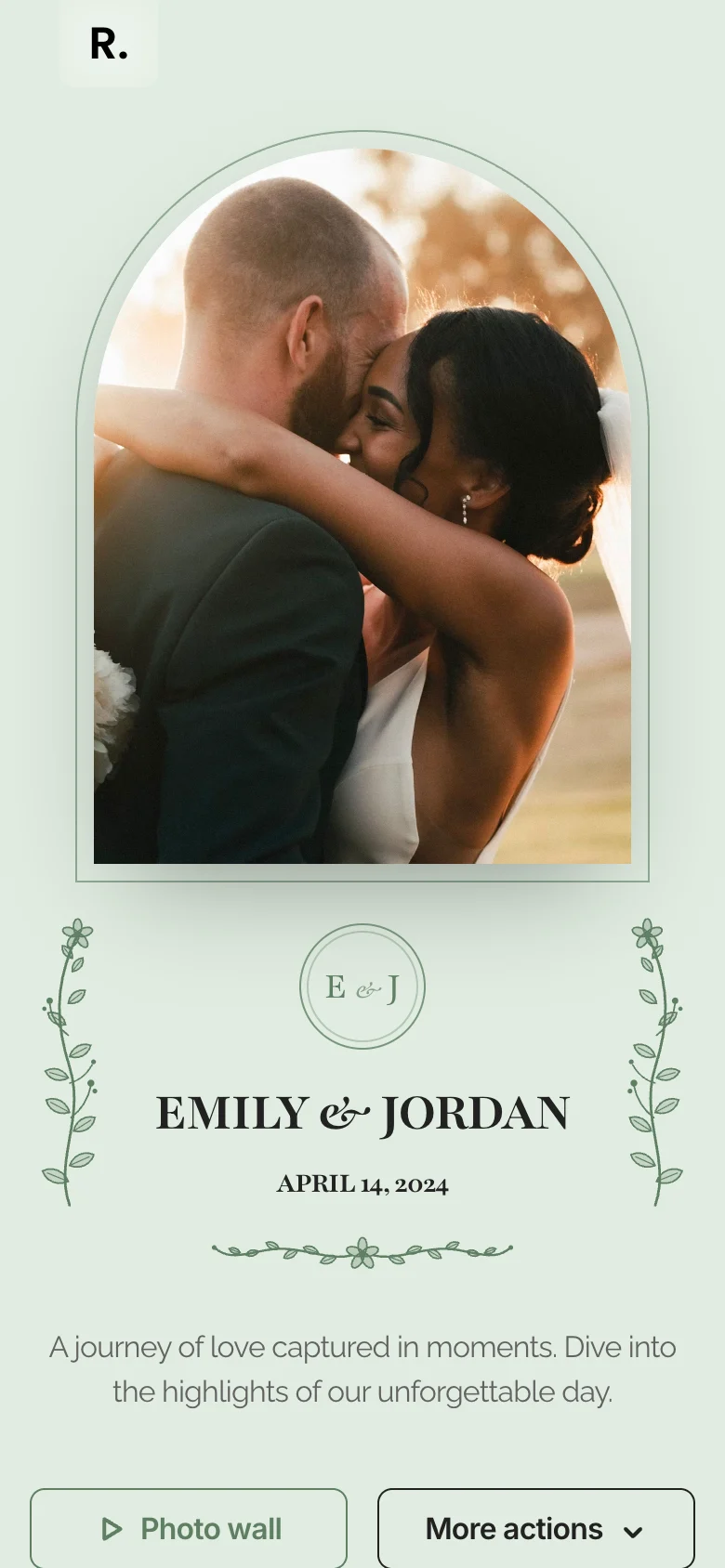
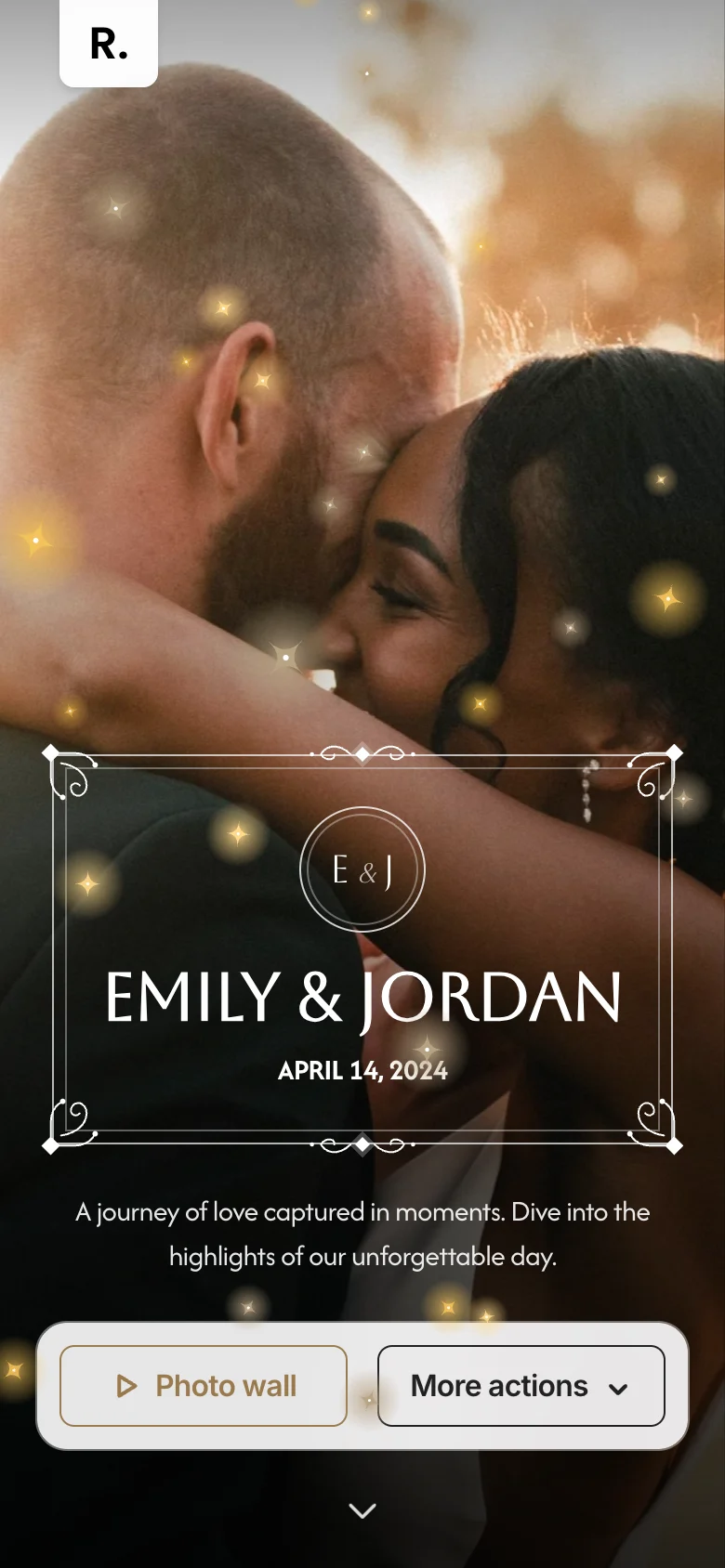
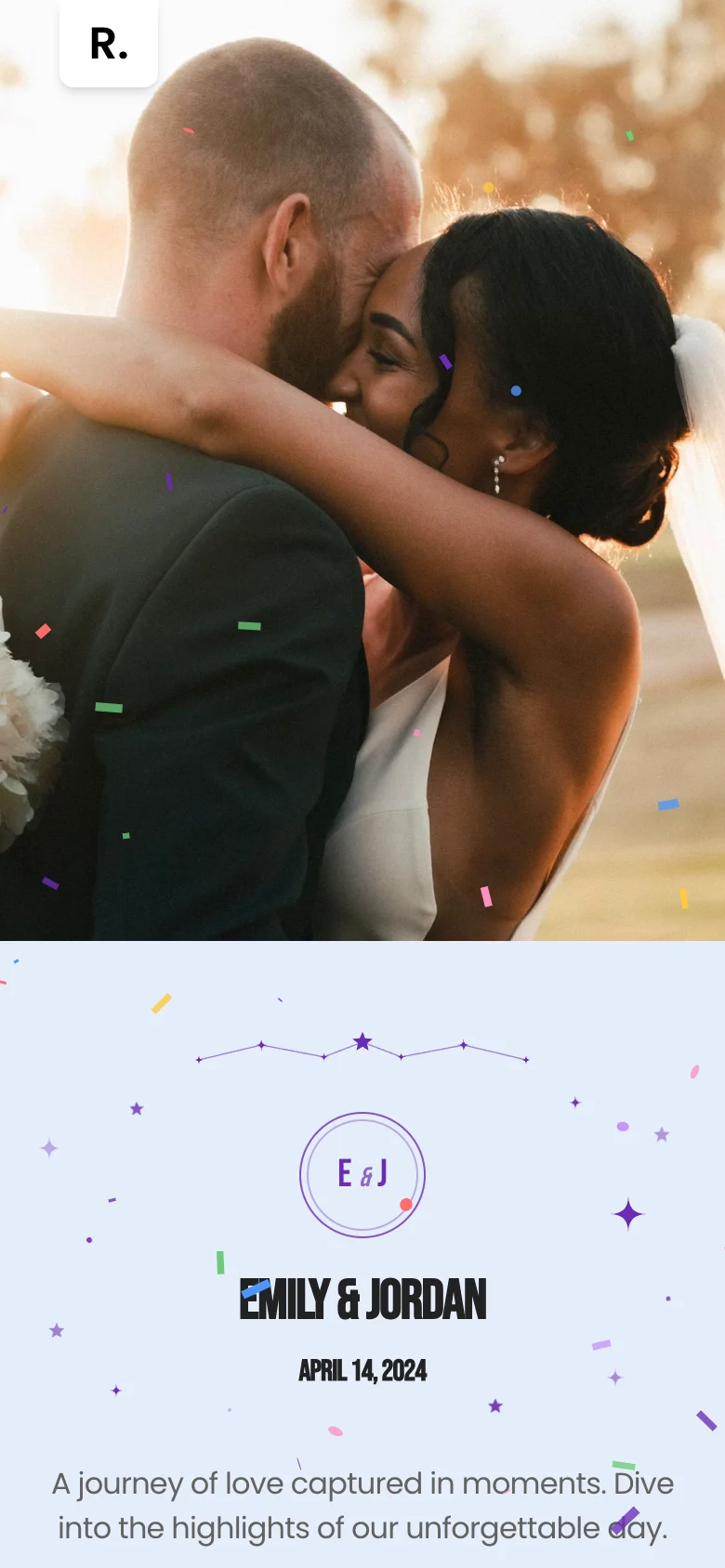
Enhance guest photo sharing via QR scan or click, no signup required.


Access all your event uploads with a single click, ready for download.
Bring uploads to life on a dynamic photo wall—ideal for engaging guests and showcasing memories.
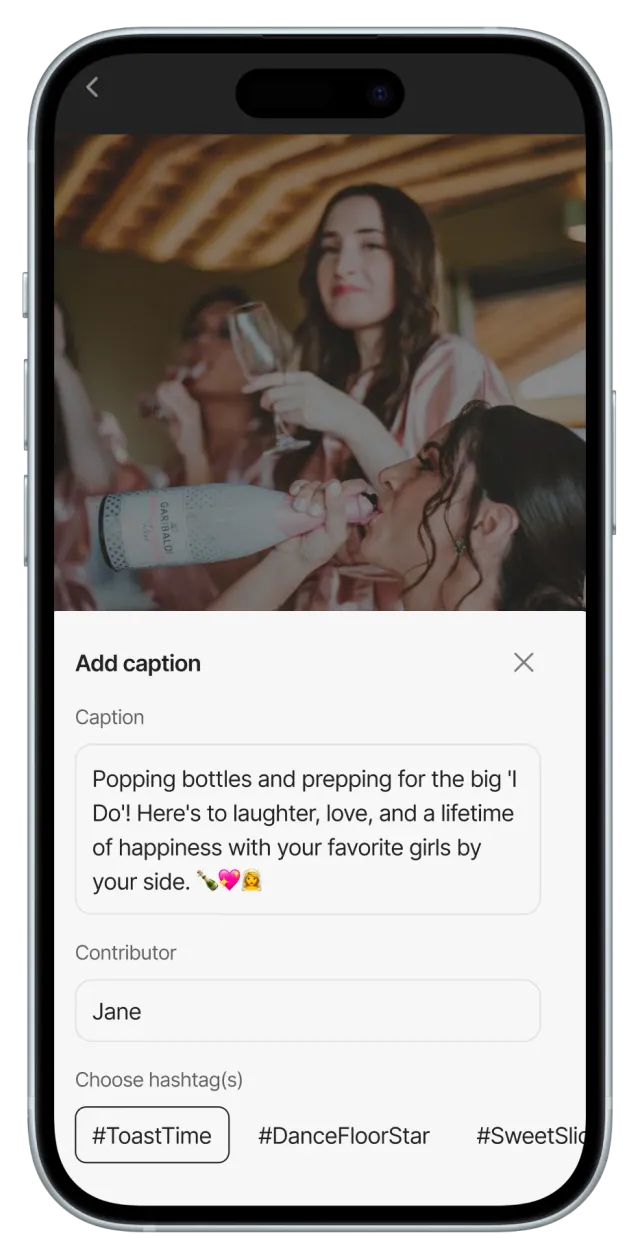
Add captions directly to uploads. Organize memories with hashtags or start photo challenges!
Add your wishes, kudos, GIFs, photos & messages make someone’s day unforgettable!
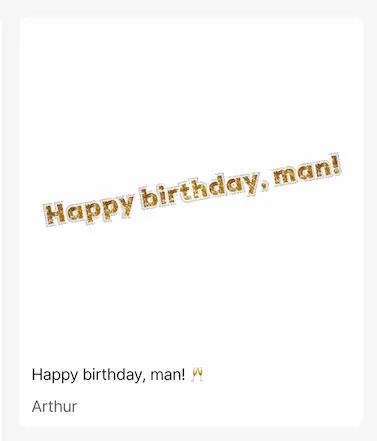
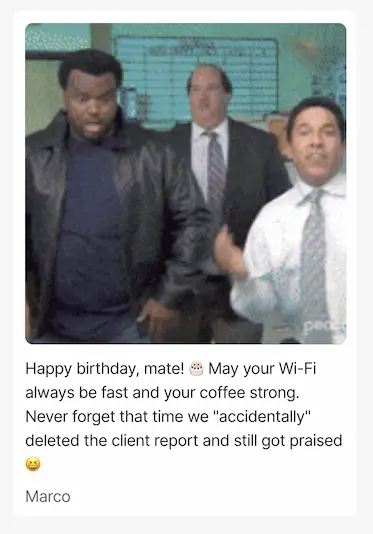
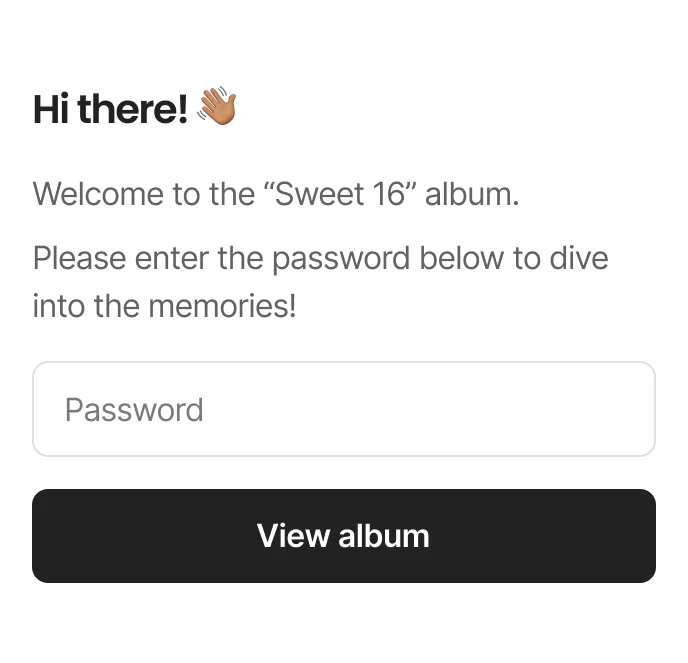
Password-protect your memories and control who sees your album content.
Storage lasts for 6 months from your first upload—not from when you purchase. Compare plans
Unlimited guest invites
Live photo wall (Slideshow)
Option to keep the original quality
Collect attendees’ photos in one branded album for your recap and the team.
Put the code on badges and the opening slide, and show the photo wall between sessions.
Share the link in the team chat and play the slideshow at the closing dinner.
Run the photo wall on a big screen with approval on, so only reviewed photos appear.
Choose who sees what, use approval, and ask for the DPA for business customers.
Can’t find what you’re looking for? Feel free to contact us.
Begin by creating your personalized album today! It's quick, easy, and the first step to effortlessly sharing your special moments. Click here to get started!