






Wedding
“Everyone thought it was great and I ended up with over 150 photos and videos. It's super easy to use”
u/MsPinkieBr/Weddingsunder10k
Put a QR code on the table, the bar or the TV and every guest can add their party photos and videos to one shared album — no app, no sign-up. Show them live on a party photo wall while the party is still going.

How party photo sharing with a QR code works
1
Start a party album in a minute, give it a name everyone will recognise and pick a party theme. It comes with its own QR code, ready to stick on the fridge or show on the TV.
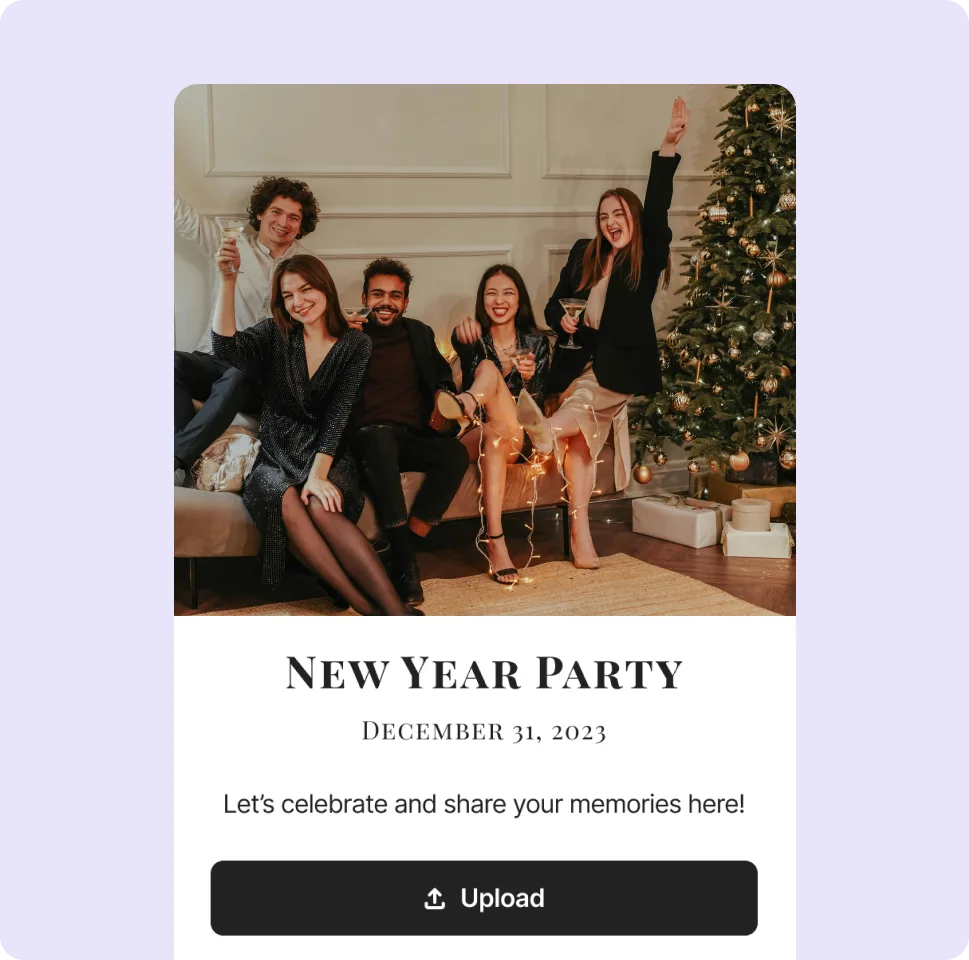
2
Guests scan the code or tap the link you dropped in the group chat, then add photos and videos from their phone. It works before the party, during it and the morning after, with no sign-up.
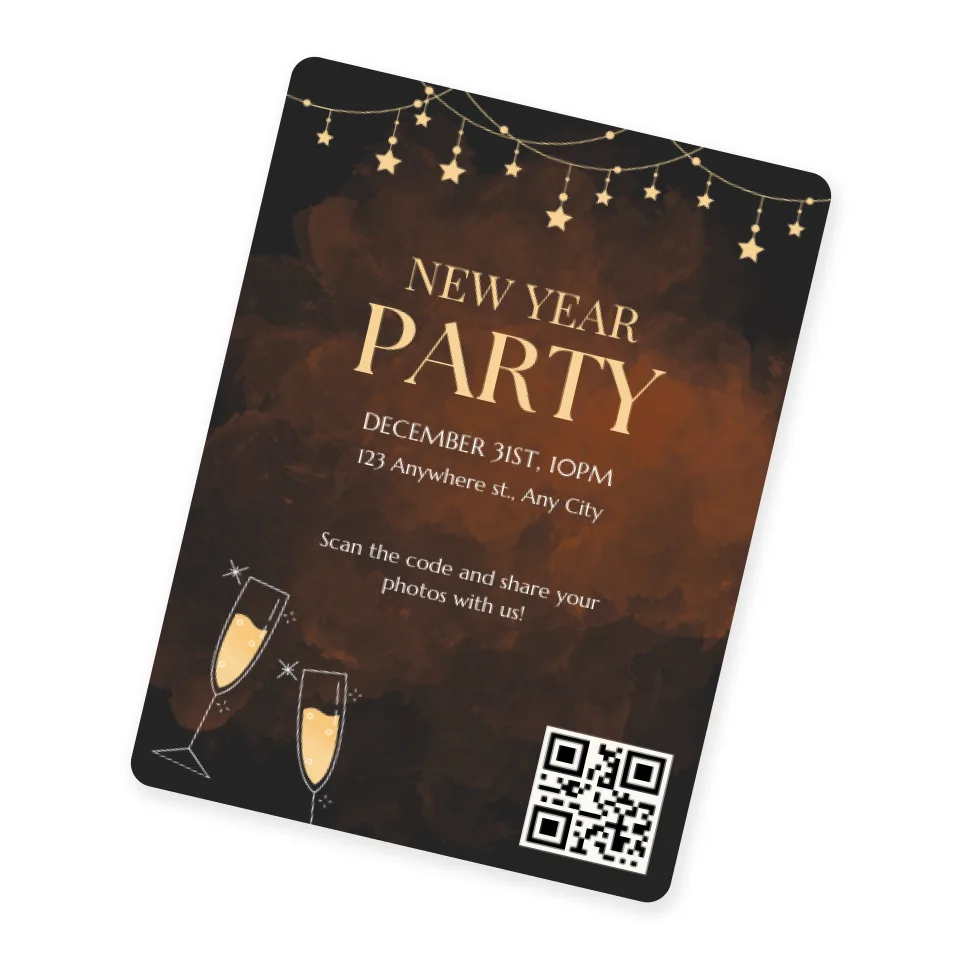
3
Scroll through the night from every angle, spot the moments you missed and save the best ones. The whole album downloads as a ZIP.
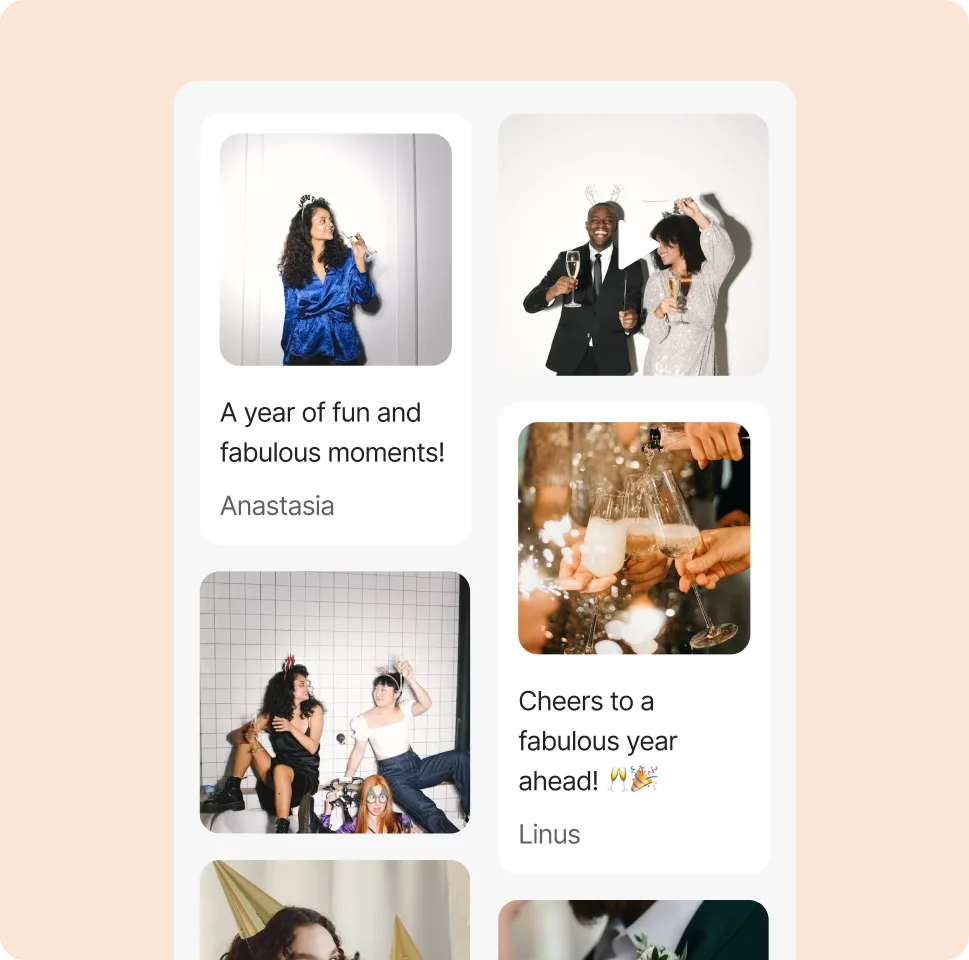
What uploading looks like for your guests
They tap Add to album, choose photos or videos from their phone and add a caption if they like.
Pick a theme and your album changes instantly: colours, fonts, ornaments and effects like petals or confetti. Fine-tune the gallery and cover, or let Surprise me choose.

Free on every plan
“Everyone thought it was great and I ended up with over 150 photos and videos. It's super easy to use”
“Overall, it has a much more thoughtful UI/UX, a better and nicer looking album upload, a more modern tech stack, and an incredibly technical support from the owner that made our experience 10/10. I'm excited to see how Rompolo evolves in the future, and I hope more people know about this service!”
“I used Rompolo and it was very easy to use and the cost was very reasonable as well.”
“All of the features were great and super easy to use, plus it is a visually stunning platform”
“This worked great! I loved having all my guests's photos available to look through the next day. Thanks so much!”
“Love the privacy feature! As someone not into social media, it’s a game changer. I shared my birthday pics just with close friends and family—no stress about them popping up everywhere online. 🎉”
“I used this for my daughter's wedding last month, and it was incredibly easy to use! They provided a QR code, which I copied onto small cards and placed on all the tables. Guests had no trouble scanning the code and uploading their photos—it was a seamless process. […] I did encounter an issue downloading the full album, but when I reached out to Rompolo, they responded right away and were extremely helpful. They even followed up to make sure everything was resolved. I would highly recommend Rompolo!”
“First of all, I want to say how wonderful your site is - it was perfect for my daughter's baby shower. It was so user-friendly- I will be recommending it to anyone and all looking for something like this.”
“I was a bit unsure if a photo challenge would be a good fit for a kids' party... but Rompolo turned out to be a huge hit! We set up various challenges and tagged them in our album. The kids were thrilled to work in teams and get creative with their photos. ”
“Using your platform for slideshow at my clinic of clients pets, they love it”
“Oh my goodness, it looks fantastic! […] I'll definitely recommend Rompolo to future brides around me.”
“I used it and it worked great!”
“We received more photos than we expected and the older guests had an easy time uploading and accessing the photos”
“Was using this for my wedding, just send link or QR code to all guests and ask them to upload all photos from event. Me and my darling couldn't be happier.”
“I tested out Rompolo for my 20 year hs reunion […] it worked well.”
“We used Rompolo and were really please[d] with the ease and low cost.”
“It removes so many pains I was always facing when trying to gather all cool photos from my friends in one place. This product isn't just one more tool, it has a thought-out experience and visually looks amazing!”
House parties, bachelorette weekends, New Year's Eve or a night out — Rompolo collects everyone's photos and videos in one album, so nobody has to chase pictures in the group chat the next day.
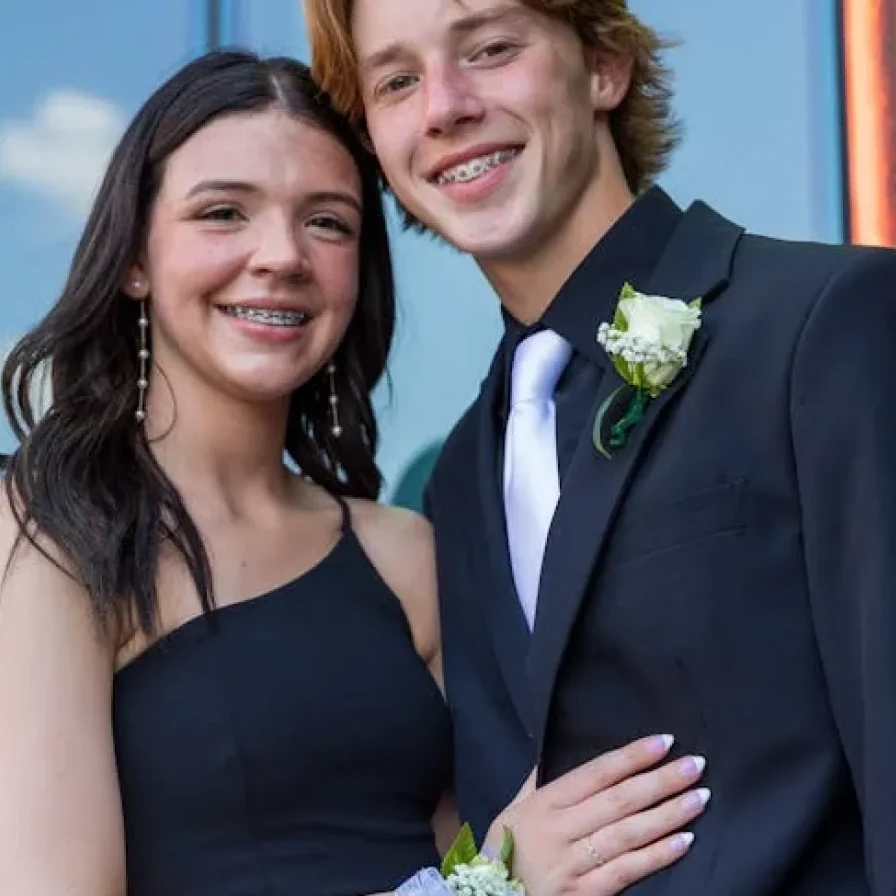
Prom couple vibes! 😍
Kate

We love you so much! 🎉💕
Dad

What happens at the bachelorette party, stays at the bachelorette party... or at least it should! 😂
Carin
Cast the photo wall to the TV and the party watches itself: every new photo pops up with the guest’s name, and the QR code on screen pulls in anyone who hasn’t joined yet.
No more asking five friends to send their pictures. Every phone at the party feeds the same album.
Drop the link in the chat before the party and guests can add photos from the pre-drinks onwards.
Add a password, or turn on approval so you see uploads before they appear on the TV.
Dance-floor clips and speeches keep their original quality instead of getting squashed in a chat.
Guests can post GIFs and short messages alongside photos, which is half the fun the next morning.
Everyone can look back through the night and download the photos they want, unless you hide the download options.
Every guest shoots the party from their own angle. With a party QR code, those candid photos and videos land in one album instead of staying on dozens of phones.


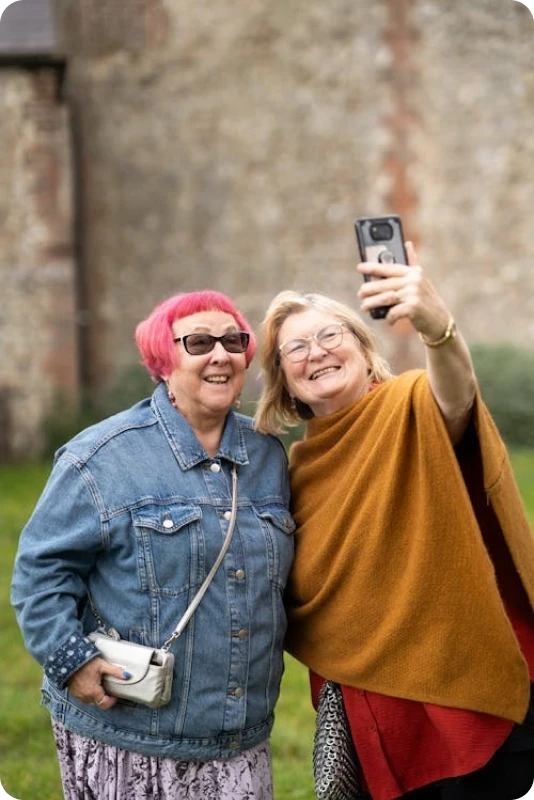
A little playfulness gets a room full of guests sharing their party photos.
Stick the code on the fridge, the bar and the TV, and share the link in the chat.
A short list of photo challenges turns sharing into a game.
Switch on the photo wall at the cake or the countdown to get everyone uploading.
Send the link with a thank-you the next day to collect the photos guests forgot.
Can’t find what you’re looking for? Feel free to contact us.
Unlimited guest invites
Password protection for privacy
Full content control over your album
Option to keep the original quality
Customization to match your style
Organize with hashtags for quick finds
Live photo wall (Slideshow)
GIF and text message options
🎁 Free Canva Templates!
🔥 Most popular
$19.99
per album
Storage lasts for 6 months from your first upload—not from when you purchase.
Select storage plan How to choose?