Party photo sharing ideas that actually get photos
Putting a QR code on the wall is the easy part. Getting a room full of guests to share their party photos takes a bit of playfulness.
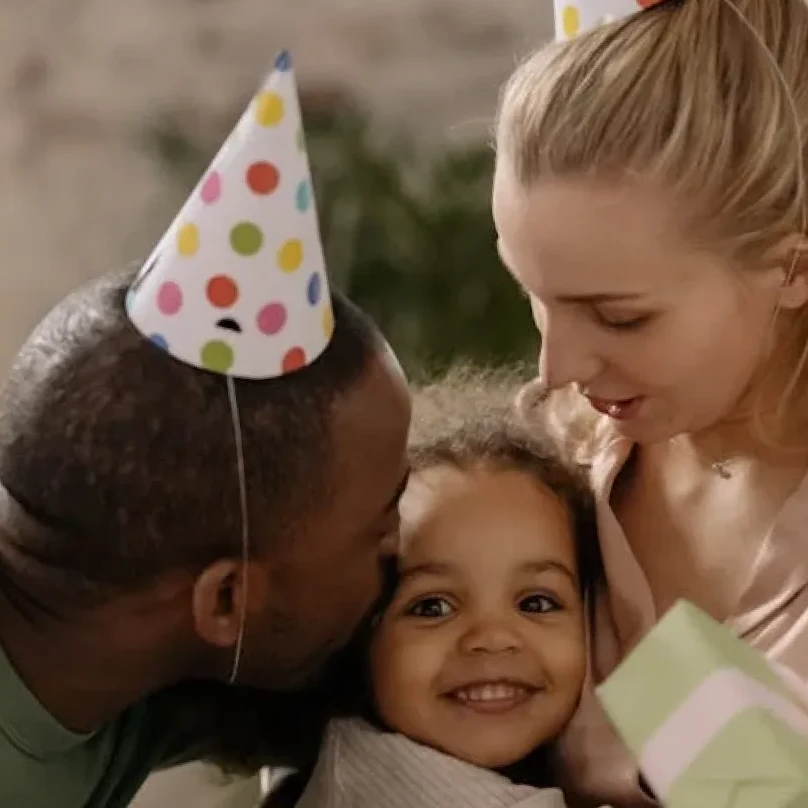


What happens at the bachelorette party, stays at the bachelorette party... or at least it should! 😂
Carin
On this page
These ideas work for birthdays, house parties, New Year’s Eve and everything in between, and none of them need more than a phone and a printed code.
Put the QR code where people wait
Nobody scans a code by the front door. Stick it where guests stand around with a drink in their hand and a phone in their pocket.
- On the fridge and next to the snacks
- At the bar or drinks table
- On the bathroom mirror
- On the TV, if you run the photo wall
- In the party group chat, so late arrivals can join from anywhere

Give guests photo prompts
A short list of challenges turns sharing into a game. Print it next to the QR code or post it in the chat. Keep prompts light and inclusive, so shy guests can join in with a photo of the food rather than a dance move.
- Best dance move of the night
- A selfie with someone you just met
- The messiest moment in the kitchen
- The group shot before midnight
- The best outfit in the room
- A photo that sums up the birthday person
Themed party? Theme the prompts
For a costume party, ask for the best costume detail. For a garden party, the best sunset shot. A prompt that matches the theme gets more uploads than a generic one.
Make a moment out of the live wall
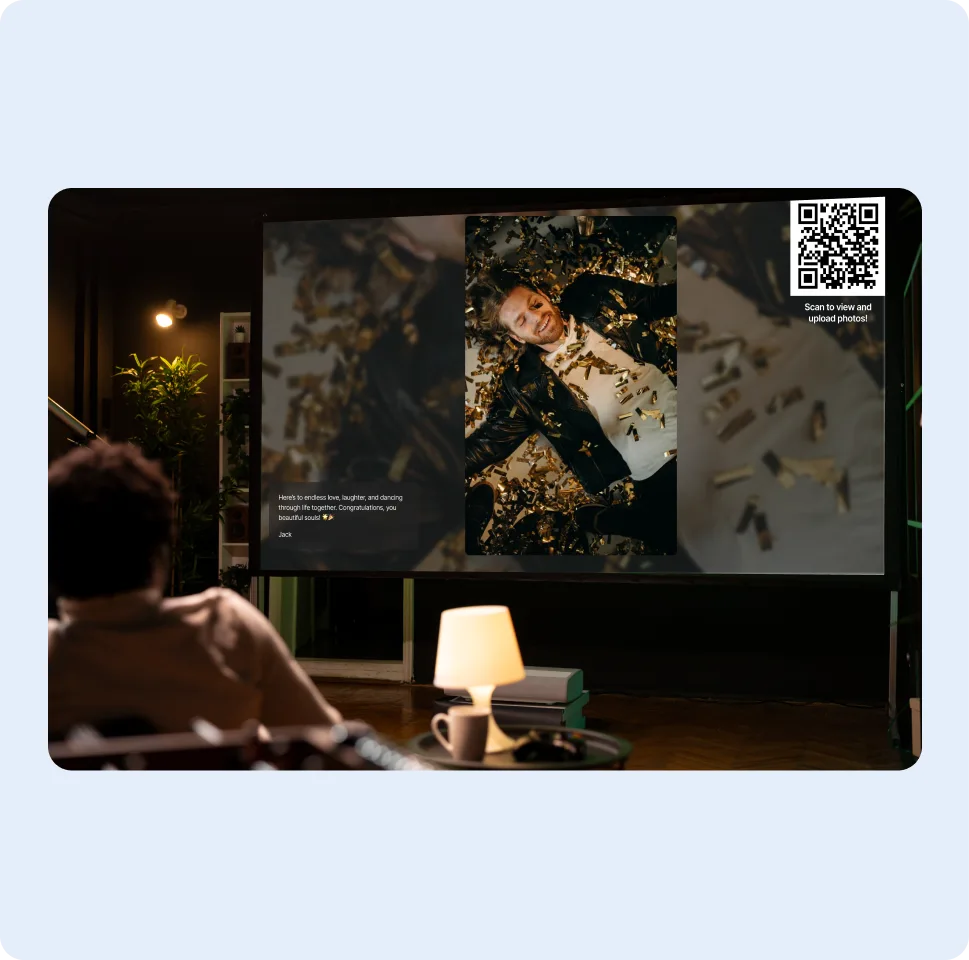
Switch on the photo wall during a natural pause, like the cake, the countdown or the first slow song. Seeing their own photo on the big screen is what gets the rest of the room uploading.
The wall can show the QR code on screen, so guests who look up can join straight away. The top-contributor podium adds a little friendly competition at a house party and is easy to switch off at a quieter dinner.
No big screen? A laptop on the kitchen counter or a tablet propped against the wall works too. Open the photo wall in the browser, make it full screen and leave it running.
Keep it party-friendly
If kids, parents or colleagues are around, switch on approval before the party so only photos you’ve seen reach the TV. You can delete anything that doesn’t belong in the album, and you can switch off media types you don’t want, such as GIFs.
If some guests would rather not appear on a shared screen, let them know the photo wall is on and give them the chance to say so. A relaxed host makes for relaxed guests.
Ideas by type of party
Whatever the party, the same rule applies: make the code easy to find, give people a reason to scan, and show them the result.
Birthday parties
Ask guests to add one photo with the birthday person and one wish. Start the photo wall when the cake comes out, and the album doubles as a birthday card from everyone in the room.
House parties
Stick small QR cards around the house rather than one sign. The kitchen is where most photos are taken, so make sure there is a code there.
New Year’s Eve
Run the wall during the countdown and ask everyone for a photo at midnight. The album becomes a record of the first minutes of the year, from every corner of the room.
Kids’ parties
Parents take most of the photos, so share the link in the parents’ group chat. Switch on approval and, if you prefer, use upload-only mode so photos of children are only visible to you.
The next-day recap
The morning after, send the album link with a thank-you. Guests love scrolling through the night from angles they never saw, and they’ll add the photos they forgot to upload.
Then leave the album open for a few more days. The best photos often turn up once guests get home and scroll back through their camera rolls. Save your favourites or download the whole album as a ZIP.
If you want a keepsake, pick ten favourites and turn them into a small printed album or a collage for the host. Thank the people who took them in your message: it is a nice way to say thanks and usually prompts a few more uploads from guests who haven’t shared yet.
Mistakes that stop guests sharing
- Asking guests to download an app during the party
- A code too small to scan in dim light
- Announcing the album once at the start, before anyone has taken a photo
- Showing unreviewed photos on a TV in front of kids or colleagues
- Closing the album the morning after, before the late photos arrive
A good rule of thumb: remind guests when there is something worth photographing, such as the cake or the countdown, not when they walk in.
Party photo sharing checklist
- Album created and styled for the party
- QR cards printed and test-scanned in dim light
- Link posted in the group chat
- Prompt list next to the codes
- TV or laptop ready for the photo wall
- Approval on if the party is mixed-age or work-related
- Thank-you message with the link ready for the morning after
More guides
All guides
Photo album ideas for birthdays and celebrations
Ideas for milestone birthdays, anniversaries, graduations and baby showers, with simple setup tips.
4 min read
How to share event photos with a QR code
Before, during and after: the decisions that make a QR code photo album actually fill up.
5 min read
How to create a shared photo album for a group
One album for trips, reunions, teams and classes, with privacy and timing that fit each group.
4 min read