How to create a shared photo album for a group
Every group takes photos, and every group loses them across a dozen phones and chat threads.



Couldn't be prouder of you!
Mom
On this page
A shared group photo album fixes that, but the best setup depends on who is in the group. Whatever the group, the basics are the same: one shared photo album, one link or QR code, and a clear moment when you ask everyone to upload. This guide covers the basics first, then the details for trips, reunions, teams and classes.
The basics: create, share, remind
Creating a shared photo album for a group takes three steps.
- Create one album and give it a name the whole group recognises
- Share one link in the group chat, or a QR code if you are together in person
- Pick a clear moment to ask everyone to upload, and remind them once
Because the album opens in the phone browser, nobody has to install an app, create an account or join a particular photo service. That is what makes it work for mixed groups of iPhone and Android users, and for relatives or teammates who rarely use photo apps at all.

Choose the right privacy settings
Groups differ in how open the album should be. Decide before you share the link:
- View and upload: everyone sees everything, best for friends and trips
- Upload only: people add photos but can’t see others’ uploads, best when one person collects
- View only: share a finished album without new uploads
- Password: keeps the album within the group if the link travels
- Approval: nothing appears until the organiser has checked it
You can also hide guest download actions if photos should stay in the album, and ask everyone to add their name so you know who took what.
Trips and holidays
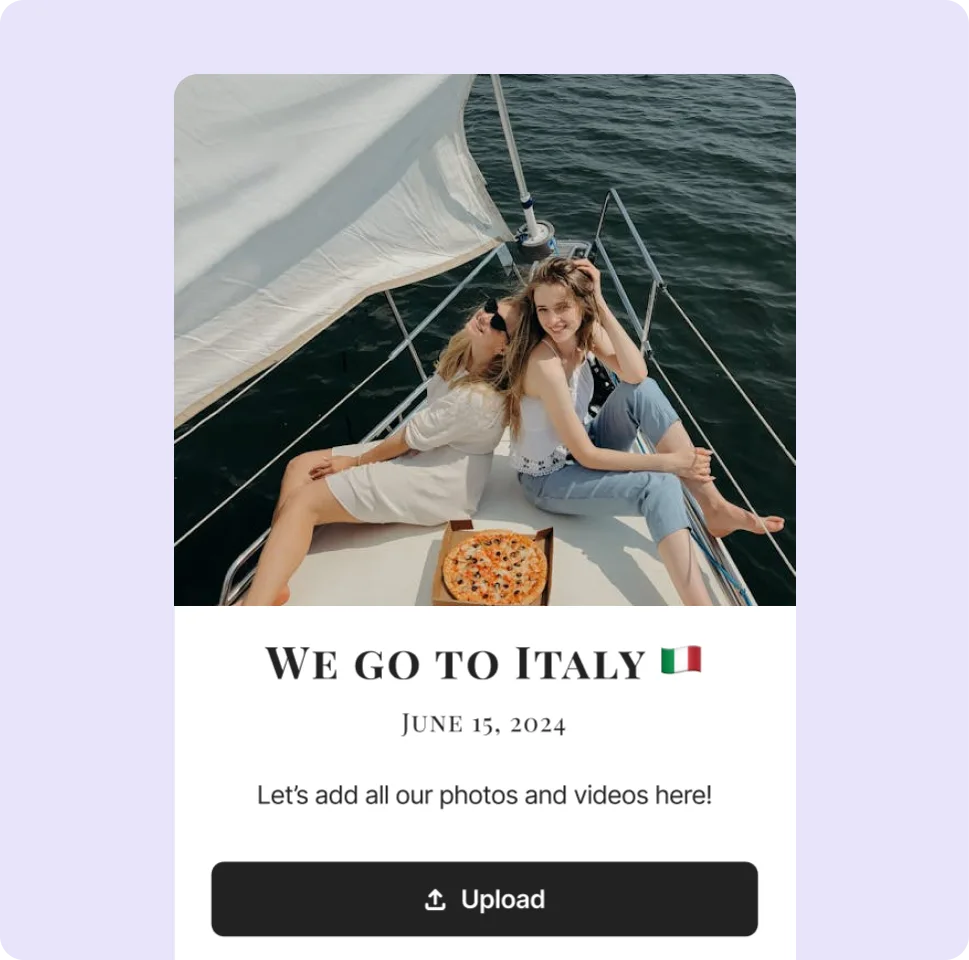
Create the album before you leave and pin the link in the travel chat. Everyone uploads at the end of each day, so by the flight home the whole trip is in one place, with videos in their original quality.
If signal is patchy on the road, people can simply upload later on hotel Wi-Fi; the link keeps working for as long as the album is active. Photos are optimised by default to keep the album fast to browse, and you can switch that off in the album settings to keep the original files.
For road trips or backpacking, one person can be the album keeper who reminds everyone and uploads a few photos first each evening.
Family reunions
Put the QR code on the tables and ask younger relatives to help the older ones scan it. Add a few old family photos yourself before the day, so the album becomes a place to reminisce as well as to collect new pictures.
Reunions often bring together generations who rarely share photos with each other. Keep the album open for a few weeks afterwards, so relatives can add scans of old prints they find at home once the reunion has reminded them.
If different branches of the family use different chat groups, send the link to each one, and ask one person in each branch to remind the others.
Teams, clubs and classes
Sports teams and clubs
A team album suits tournaments, seasons and away days. Share it once in the team chat and let everyone add their shots; parents and supporters can join with the same link.
Classes and school groups
For class trips, graduations and reunions, add a password so the album stays within the class, or use upload-only mode if photos should only be visible to the organiser. Download everything at the end for the yearbook team.
Photos of children
Teachers and organisers should check their school’s or club’s rules on photos of children before sharing an album widely; a password plus approval of every upload gives you the most control.
A simple timeline for a group trip album
Trips are where group photos get lost most often, because everyone is busy and on the move. A light routine keeps the album growing without anyone having to think about it.
- Before you leave: create the album and pin the link in the travel chat
- Each evening: a quick “add today’s photos” message, ideally with one photo already in the album
- Travel day home: remind people to upload while they wait at the airport or station
- A week later: last call for photos, then download the album
Common mistakes with group albums
- Sharing the link once and never again, so it gets buried in the chat
- Choosing a service that needs everyone to have the same kind of phone or an account
- No clear moment to upload, so everyone plans to do it later
- Forgetting privacy: a password or upload-only mode for groups that include children
- Letting the album expire before the last photos are downloaded
Keeping the photos
When the trip or season is over, download the whole album as a ZIP, or let everyone download the photos they want. Each album has an end date: the owner is reminded a few days before it expires and can extend it if the group is still adding photos.
For groups that meet again and again, create a new album for each trip or season. Each one keeps its own link, settings and end date, and nobody has to scroll past last year’s photos.
More guides
All guides
How to share event photos with a QR code
Before, during and after: the decisions that make a QR code photo album actually fill up.
5 min read
Party photo sharing ideas that actually get photos
QR placement, photo challenges, a live wall moment and a next-day recap that brings in more photos.
4 min read
Photo album ideas for birthdays and celebrations
Ideas for milestone birthdays, anniversaries, graduations and baby showers, with simple setup tips.
4 min read