Digital guest book vs paper guest book
The paper guest book is a lovely tradition, but it often comes home with a handful of rushed signatures.


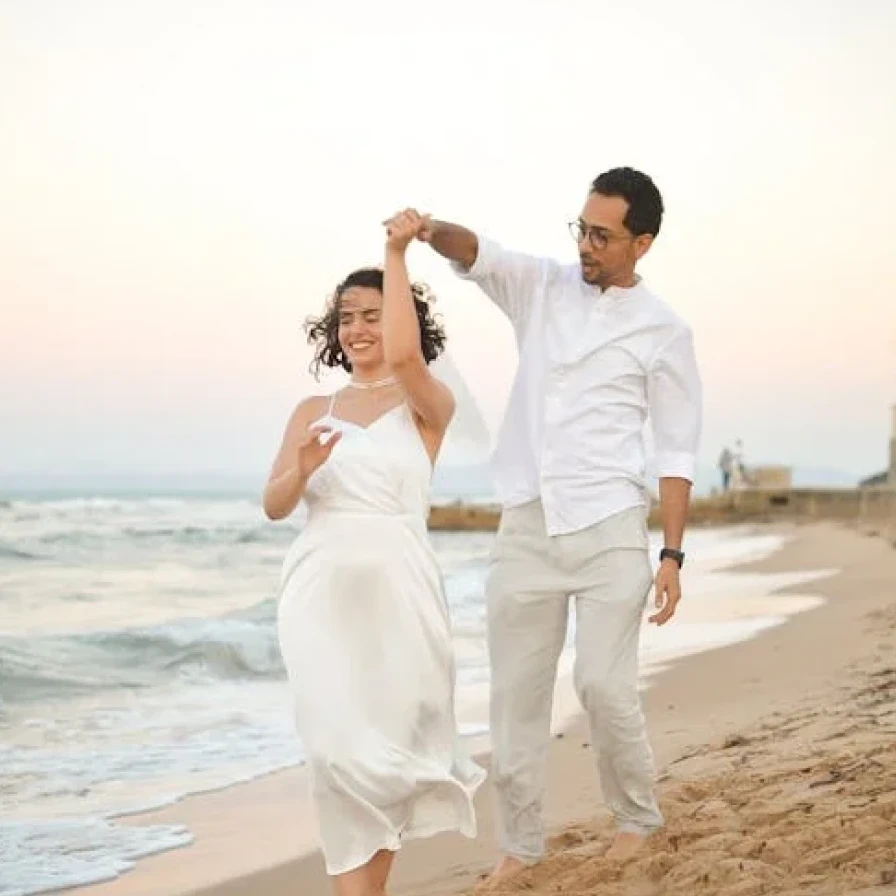
What a celebration of love! You guys are the real deal!
John
On this page
A digital wedding guest book keeps the idea, a message from everyone who shared your day, and removes the queue, the hunt for a pen and the blank pages. This guide compares the two honestly, shares prompts that get better messages and explains how to set up and keep a digital guest book.
Paper guest book: what it does well
A paper book is tangible. You can hold it, keep it on a shelf and recognise the handwriting of people you love, which becomes more precious over the years. It needs no phone signal, no screen and no instructions.
Its weaknesses are practical. Guests sign in passing, often in a queue, so messages are short. It sits in one place, so guests who never walk past it never sign. And relatives who couldn’t travel to the wedding can’t sign at all.
What a digital guest book adds
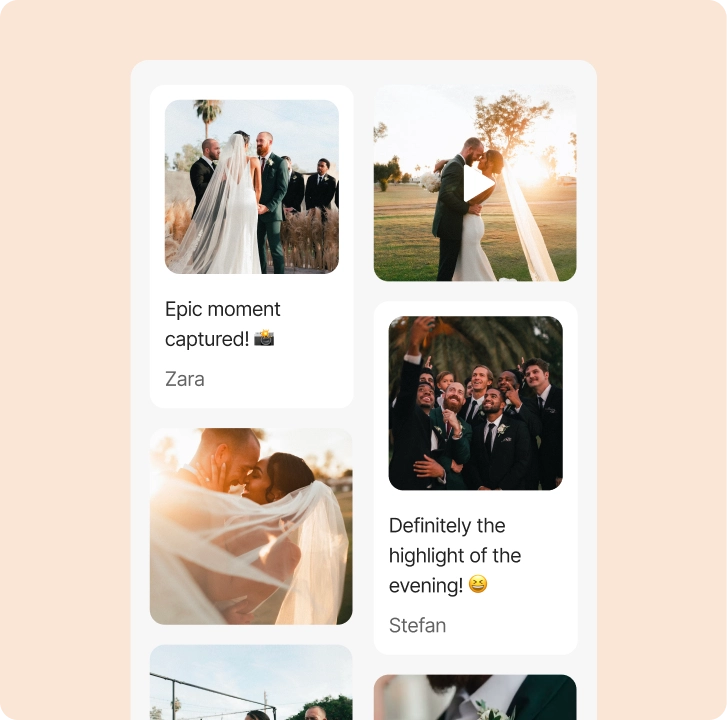
Guests can sign from their seat whenever they have a quiet moment, not only while passing a table. Entries can include a photo from the evening, a short video or a GIF as well as words, and relatives who couldn’t travel can sign from home using the same link.
It also changes who signs. Shy guests who would never write while others queue behind them will often leave a message from their seat, and children can add a photo of a drawing or a short video.
- Written wishes, photos, videos and GIFs in one place
- Guests sign from any phone, without an app or an account
- Remote guests can sign with the same link
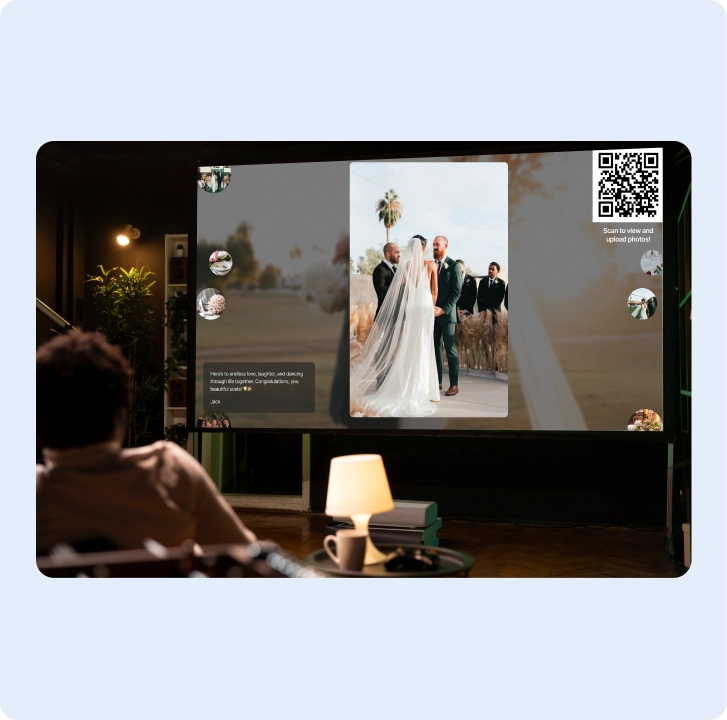
- Written wishes can play as their own slides on the live photo wall
Side by side: which suits your wedding?
Choose paper if…
You want a handwritten keepsake above all, your guest list is small, most guests will walk past one table, and you don’t mind shorter messages.
Choose digital if…
You want video messages and photos with the wishes, some guests can’t attend in person, or you want every table to be able to sign without a queue.
Or use both
Many couples keep a small paper book for signatures and add a QR code next to it for photos, videos and longer wishes. The two complement each other, and nobody has to choose.
Message prompts for your guests
Blank pages make people freeze, and so does an empty text box. Put a prompt on the sign or table card and you’ll get warmer, more personal messages.
- “Your best advice for our first year of marriage”
- “A memory of us you’ll never forget”
- “Where should we go on our first anniversary?”
- “Film a 20-second toast to the newlyweds”
- “Describe today in three words”
- “A song we should dance to on our tenth anniversary”
How to set up your digital guest book
Create an album, choose which entries to allow (photos, videos, GIFs and written wishes can each be switched on or off) and style it to match your wedding. Ask guests for their name before posting if you want every wish signed.
Place the QR code on a small sign where a paper book would normally sit and repeat it on the tables. Ask your host to mention the guest book once during the evening, and if you have a screen, run the photo wall so wishes appear during the party.
Making it easy for every guest
The most common worry about a digital guest book is older relatives. In practice, the steps are the same as taking a photo: open the camera, point it at the code, tap the link. The album opens in the browser, so there is nothing to install and no account to create.
Ask a helper
Ask a cousin or a friend to walk around once during the evening and help anyone who wants to sign but isn’t sure how. It takes a minute per guest and often leads to the most touching messages.
Show it on a screen
If you have a screen at the reception, run the live photo wall. Written wishes appear as their own slides between the photos, and seeing a message from Grandma on the screen tends to inspire everyone else to write one too.
Common mistakes with digital guest books
- No prompt, so guests don’t know what to write
- Only one sign, hidden next to the gift table
- Forgetting to ask for names, so wishes arrive unsigned
- Assuming older guests won’t use it, instead of asking someone to help
- Letting the album expire before you have read every message
Each of these is easy to fix in advance, and together they make the difference between a few entries and a message from almost every guest.
Keeping your guest book after the day
After the wedding, read the messages together and download the photos and videos as a ZIP to keep with your wedding pictures. Written wishes and GIFs stay in your online album rather than in the ZIP, so extend the album if you want to read them there for longer, or copy your favourites into a printed keepsake.
Many couples read the wishes together in the week after the wedding, then pick a few favourites for their photo book or first anniversary card. That way the digital guest book ends up on paper after all.
More guides
All guides
How to collect every photo from your wedding guests
A simple plan for before, during and after the wedding, so guest photos end up in one album.
5 min read
How to make a wedding QR code for photos
Where to put the code, what to write on the sign and how to print it so every guest can scan it.
5 min read
Photo album ideas for birthdays and celebrations
Ideas for milestone birthdays, anniversaries, graduations and baby showers, with simple setup tips.
4 min read