Birthday Party Photo Display Ideas That Guests Love
Birthday party photo display ideas, from printed timelines to a live photo wall, plus tips on how to display photos at a party with guest uploads.

On this page
A birthday party produces hundreds of photos, and most of them stay buried in guests' phones. This post gathers birthday party photo display ideas that work in real rooms, from a classic printed wall to a live slideshow that updates while the cake is still on the table.
Start with the question: who should see the photos, and when?
The best way to display photos at a party depends on timing. Some displays are prepared before the party (old photos of the guest of honor), and some are built during the party (what guests are shooting right now). Decide which you want, because the tools are different.
- Before the party: printed photos, a timeline, a looping slideshow on a TV.
- During the party: a live photo wall that fills up as guests take pictures.
- After the party: a shared album people can revisit and download from.
Most parties are happiest with a bit of all three. The ideas below are grouped that way.
Display ideas you can prepare in advance
These need an hour or two of setup and no technology beyond a printer.
- Memory lane timeline. Clip photos to a string or tape them to a wall in order, from baby pictures to last year. Add a short caption under each one. Guests tend to gather here first and start telling stories.
- Photo garland. Print small photos and clip them to twine with mini clothespins. It is cheap, light, and works over a dessert table or doorway.
- Themed collage wall. Match the colors or theme of the party. A milestone birthday might use black-and-white photos from each decade, with one framed photo from now in the center.
- Table photos. Put a small framed photo at each table with a short note about a memory tied to it. It gives shy guests something to talk about.
Show a slideshow on a TV or projector
A screen is the simplest birthday photo wall that looks good from across the room. A few tips keep it from feeling like a waiting room loop:
- Place the screen where people already look, such as beside the cake table or behind the head table, not in a corner.
- Keep photos on screen for a few seconds each so a full loop does not drag.
- Mix eras. Old photos make people laugh, and new ones make them feel included.
- Turn the sound off or keep the music soft. The slideshow is background, not a performance.
- Test the cable, the Wi-Fi, and the screen resolution before guests arrive.
Build a live photo wall from guest photos
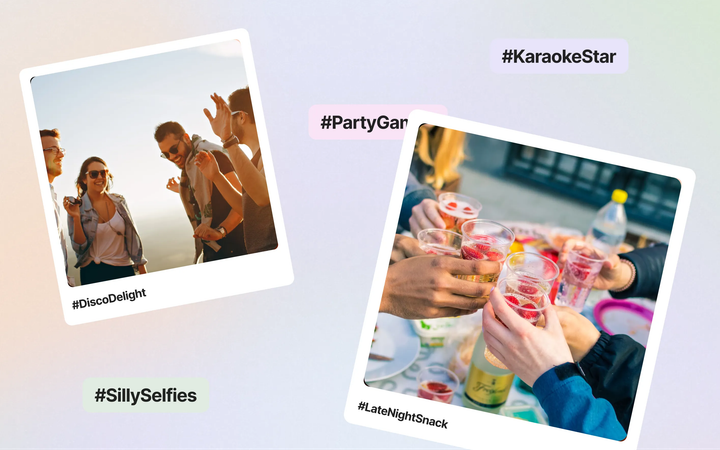
A live photo wall adds the part printed displays cannot: pictures taken at the party show up on screen within moments. Guests see themselves, laugh, and take more photos. That loop is what makes it feel like part of the party.
What you need is simple. Set up one shared album, let guests upload from their own phones, and open the slideshow on any screen with a browser. A few ideas that work well:
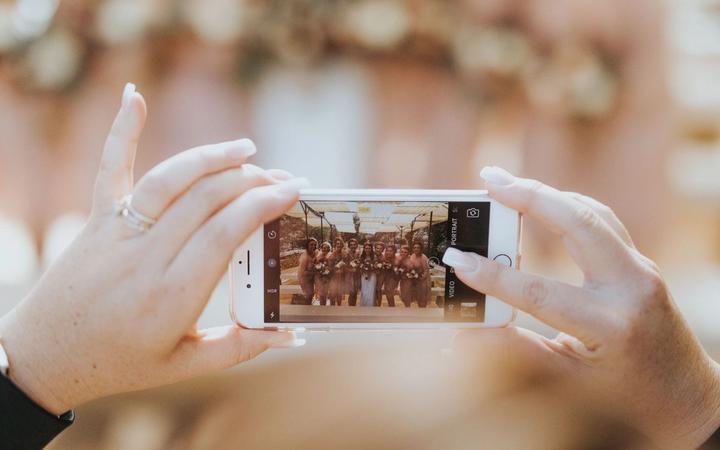
- Guest contributions. Everyone adds photos, not only the host. You end up with angles and moments a single photographer would miss.
- Toasts and cake moments. Play the live wall during the speeches or the candle moment so the room sees reactions as they happen.
- A photo booth corner. Put up a backdrop with a few props. Guests take a picture and send it to the album from the same spot.
- Written wishes. Invite short messages next to photos so the wall mixes pictures with things people want to say to the birthday person.
If you want a deeper look at this format, our guide on party photo sharing ideas walks through more ways to use guest photos during an event, and birthday and celebration photo album ideas covers what to do with the album afterward.
Practical details that make or break the display
Give guests an easy way in
A live wall only works if people can add photos without effort. Print a QR code on the invitation, on a small sign by the cake, and on table cards. Nobody should have to download an app or create an account, or half the room will skip it.
Think about privacy
A birthday with family photos is not always meant for the whole internet. Decide in advance whether the album needs a password, and whether new uploads should be approved before they appear on the screen. This matters most if kids are in the photos or if a photo might embarrass someone on a big screen.
Plan for the screen, not just the room
Landscape photos fill a TV best. If most guests shoot vertical photos, expect black bars at the sides, and keep the screen a little smaller than you might otherwise choose so it does not dominate the room.
Keep a spare plan
Venue Wi-Fi can be slow with a full room. Make sure phones can use mobile data to upload, and keep a few printed photos or a saved slideshow ready as a fallback.
Where Rompolo fits
Rompolo is built for exactly this setup. You create a birthday album, share a QR code or link, and guests add photos, videos and wishes from their phone browser with no app and no sign-up. The live photo wall is included on every plan and runs in any browser on a TV, projector or laptop. New uploads appear with the guest's name, and you can switch on a password or approval if you want control over what shows up.
You can start with a free 5-day trial to test the screen setup before the party. After the party, you can download photos and videos as a ZIP. See how it works for celebrations on our party photo sharing page, or look at the birthday and celebration use case for setup steps.
It is not the only way to do this, and a printed wall is still lovely. Many hosts combine both: prints for the memory lane, a live screen for the party itself.
A simple plan to pick from
- Choose one printed display for the entrance or dessert table.
- Choose one screen for the main room, and decide whether it plays old photos, live guest photos, or both.
- Put the QR code in three places guests will actually see.
- Test everything on the day before.
Displays do not need to be elaborate. A few good photos on a wall, a screen showing the party as it happens, and an easy way for guests to add their own are enough to make a birthday feel documented, shared, and worth looking back on.