How to collect photos for a celebration of life slideshow
Gathering photos after a loss can feel overwhelming, and the pictures you need are often spread across many phones and old boxes.


On this page
An online memorial photo album lets family and friends share what they have, in their own time, in one place. There is no right or wrong way to do this. The suggestions below are simply what tends to help families who are preparing a slideshow while also handling everything else that comes with a loss.
Start small and share with close family first
Start the album with a handful of photos you love, so people understand what it is for. Share the link with close family first, then with friends, colleagues and neighbours. Invite people to photograph printed pictures too; older photos are often the most treasured.
It can help to ask one or two relatives to share the work: one gathers photos from the family, another from friends or colleagues. Nobody has to do everything alone.

Gathering old prints
Many of the most meaningful photos only exist on paper. Ask a relative to gather albums and loose prints, photograph each one flat in soft daylight with a phone, and upload them to the album.
- Lay the print flat near a window, out of direct sunlight
- Hold the phone straight above the photo to avoid distortion
- Turn off the flash to avoid glare
- Add a short caption with the year or the names of the people in the picture
Captions help younger family members later, when nobody remembers who is standing next to whom.
Photos on other people’s phones
Friends often have recent photos you have never seen, from holidays, dinners and everyday moments. Ask them directly; many people don’t realise that a casual snapshot might be precious to the family.
What to ask people for
A gentle, specific request makes it easier for people to help. You might ask for:
- Photos from different times of life: childhood, work, family, travel
- Everyday moments as well as special occasions
- A short memory or message to go with a photo
- Short videos, if they have them
Let people know the slideshow has a date, but the album stays open after the service, and you can extend it if people are still sharing.
At the service
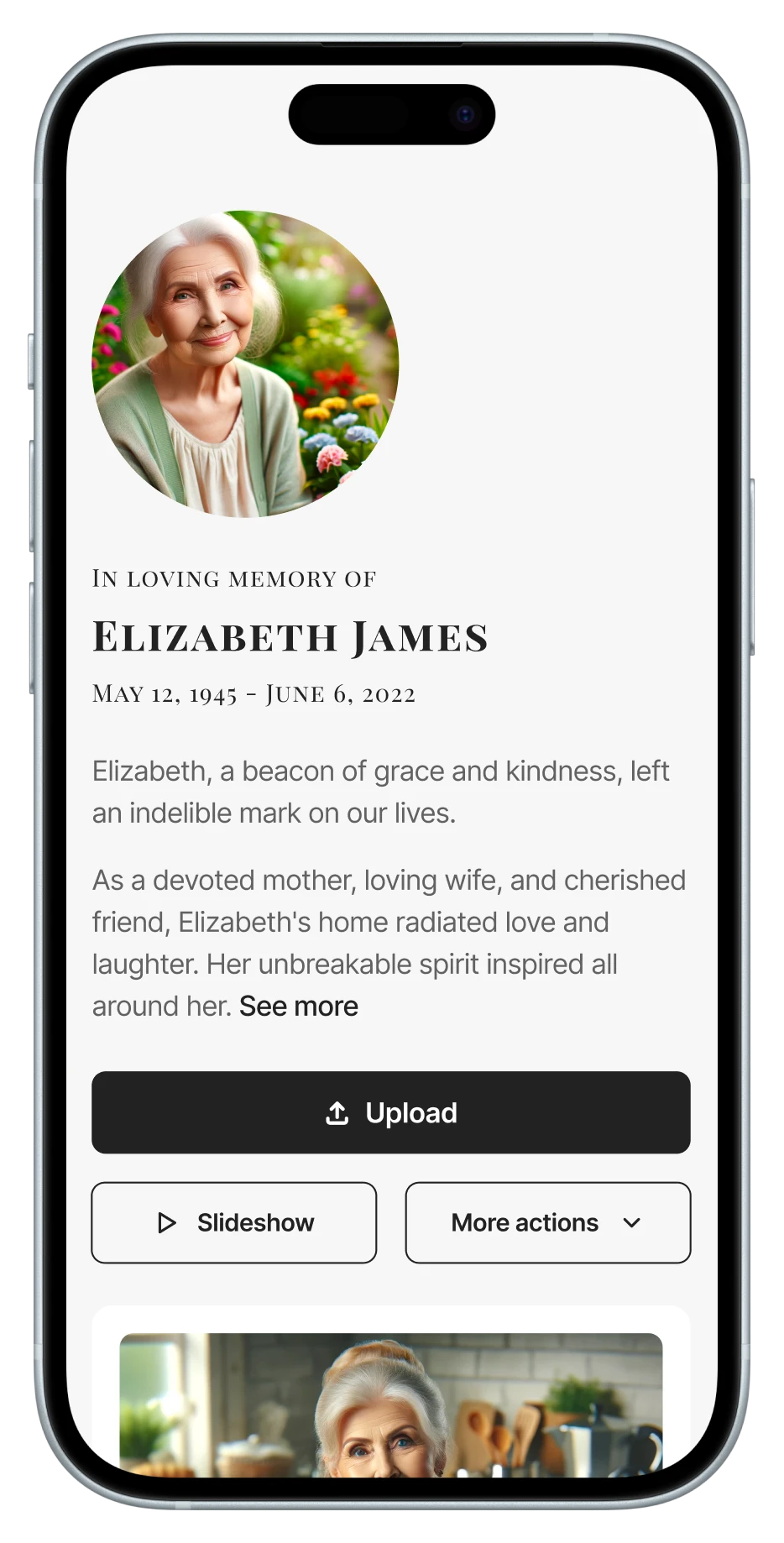
Print the QR code on the order of service or a small sign by the guest book, with a short line such as “Share a photo or memory of [name]”. If there is a screen, the album can play as a slideshow during the gathering.
If there are photos you especially want included, add them yourself before you share the link, so they are part of the album from the start. Test the slideshow on the venue’s screen beforehand if you can, and ask someone other than the closest family to look after it on the day.
If there is no screen
If the venue has no screen, the album can still help: guests can browse it on their own phones during the gathering, and you can print a few favourite photos to display on a table.
A message you can send
Asking for photos can feel hard to put into words. You might adapt something like this for family and friends:
- “We are gathering photos of [name] for the celebration of life. If you have any, we would love you to add them here. Old prints photographed with your phone are very welcome too.”
- “There’s no rush. The album will stay open after the service for anyone who would like to add a memory later.”
If someone shares a photo the family would rather not show, you can remove it at any time, and with approval switched on it never appears without your agreement.
Privacy and who can see the album
A memorial album can hold very personal pictures, so choose the access that feels right. Add a password and share it only with family and close friends, or use upload-only mode so people can contribute without seeing every photo. With approval switched on, nothing appears until you have looked at it.
You can change these settings at any time, for example opening the album to more people after the service.
After the service
Many memories arrive in the weeks after, once people have had time to look through their photos. Keep the album open, gently remind people that they can still add to it, and download photos and videos to keep, for example for a memory book.
The yearly plan keeps the album online for 12 months and can be renewed, so family can return to it on anniversaries and birthdays.
Some families return to the album on birthdays or anniversaries and share the link again, which often brings in photos nobody had seen before.
Looking after yourself
Preparing a slideshow while grieving is a lot. It is fine to share the work, to show fewer photos than you planned, or to keep collecting after the service. You can keep the album open after the service and extend it before it ends, so people can keep adding to it in their own time.
If going through photos becomes too much, ask someone close to you to look after the album for a while. While the album is active the photos stay in one place, and you can download them to keep a copy for when you are ready to look at them.
More guides
All guides
How to create a shared photo album for a group
One album for trips, reunions, teams and classes, with privacy and timing that fit each group.
4 min read
Photo album ideas for birthdays and celebrations
Ideas for milestone birthdays, anniversaries, graduations and baby showers, with simple setup tips.
4 min read